All users can access their settings from the main menu to manage their personal information and account settings. Users with additional permissions will also have access to approvals and data reporting.
User Settings
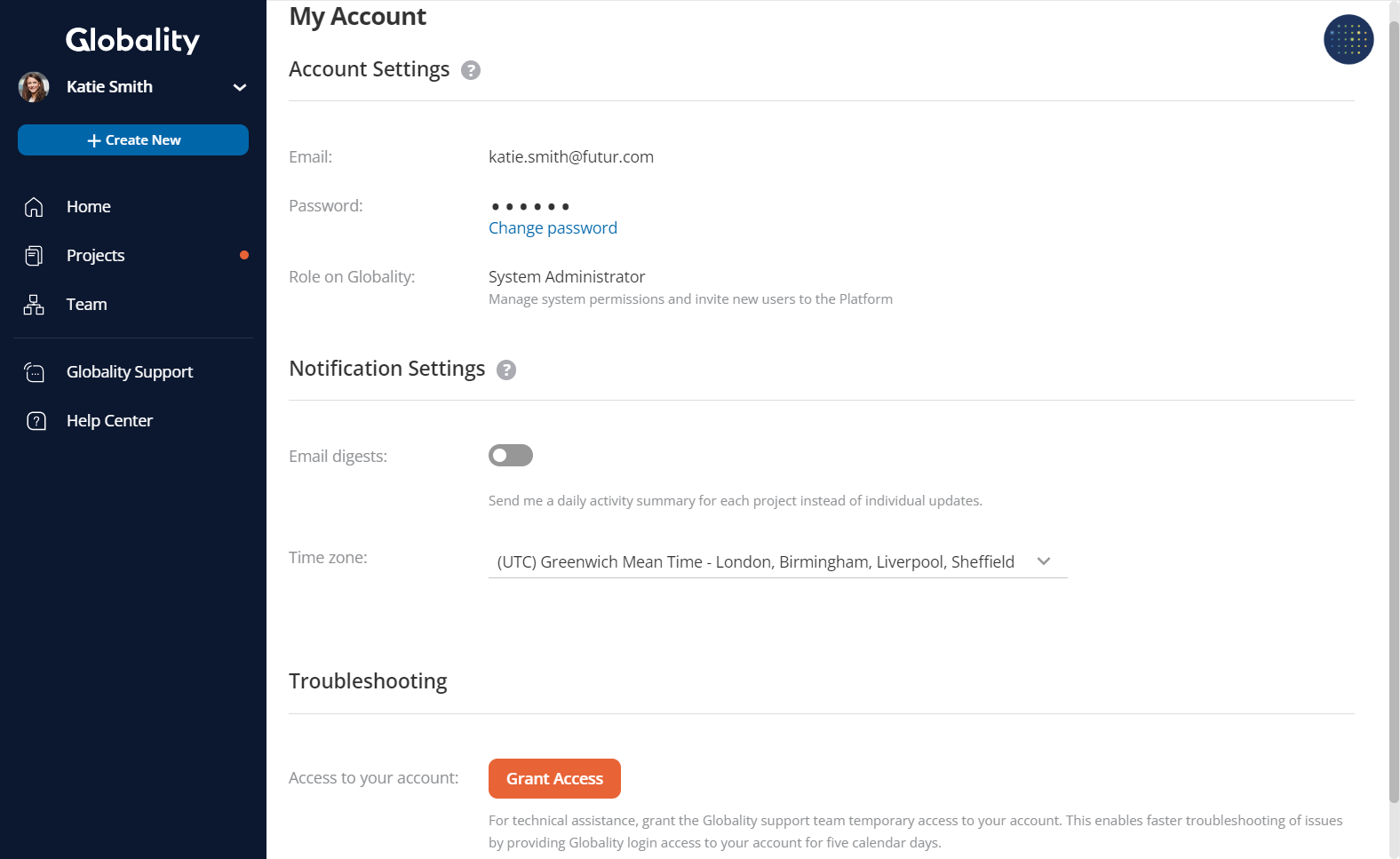
In your User settings, you can:
1. Change your password.
2. Manage your notification settings such as email digests and time zone options.
3. Grant the Globality support team temporary access to your account for troubleshooting.
Was this article helpful?
That’s Great!
Thank you for your feedback
Sorry! We couldn't be helpful
Thank you for your feedback
Feedback sent
We appreciate your effort and will try to fix the article