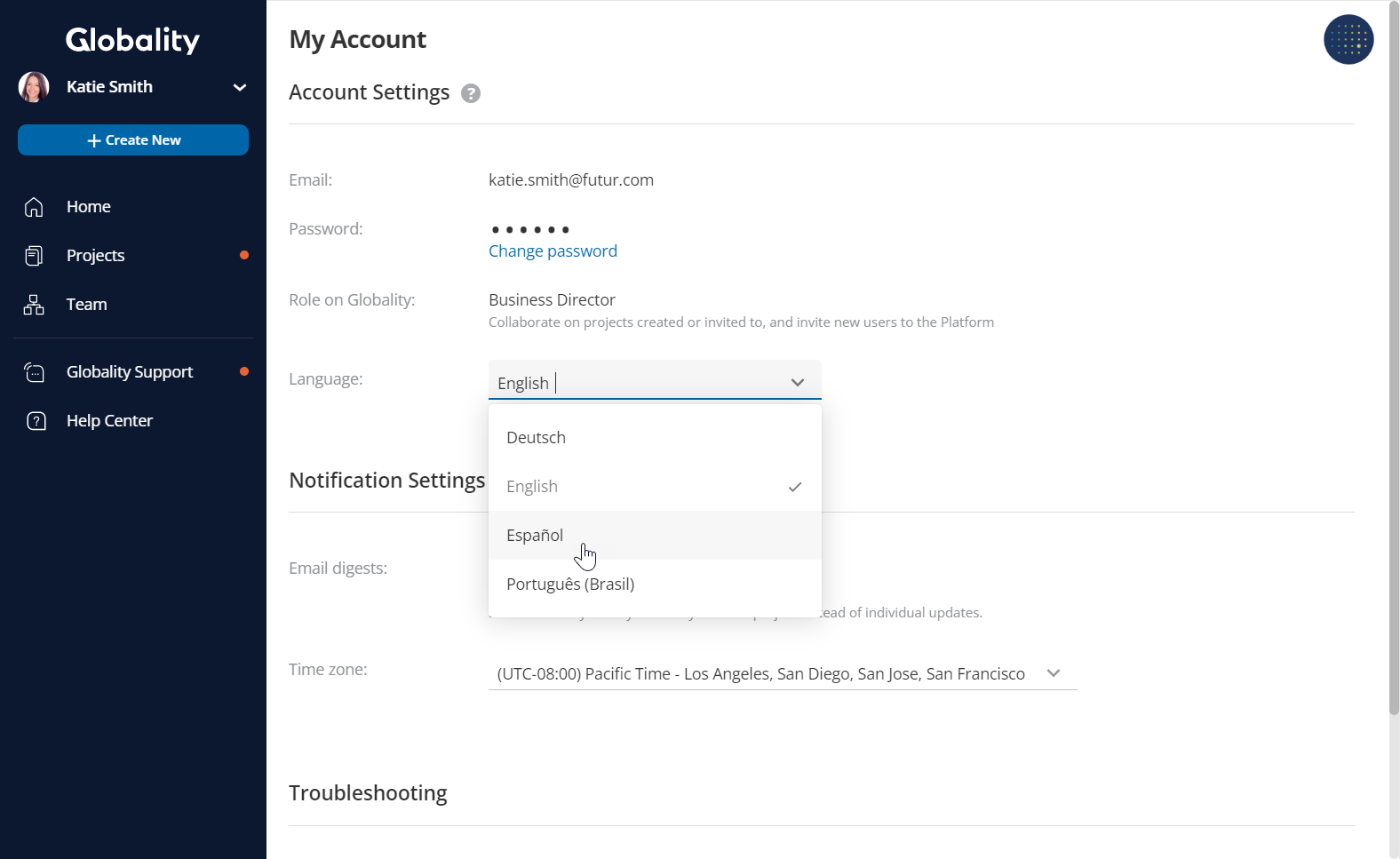
To change the Platform’s interface language, click on your profile picture in the main menu and go to your "Account Settings" to select your preferred language. The Platform currently supports English, German, Spanish, and Portuguese. The Platform's interface such as the main menu, project navigation panels, account settings, and team settings will appear in the language selected.
To enable this functionality for your company, please contact Globality Support.
Was this article helpful?
That’s Great!
Thank you for your feedback
Sorry! We couldn't be helpful
Thank you for your feedback
Feedback sent
We appreciate your effort and will try to fix the article