You can ask a provider to revise their proposal by submitting a revision request, which will prompt the provider to resubmit a revised proposal.
1. Navigate to the “Proposals” page in the left-hand project navigation panel.
2. Once you click into a specific provider’s proposal, click the "Request revision" button.
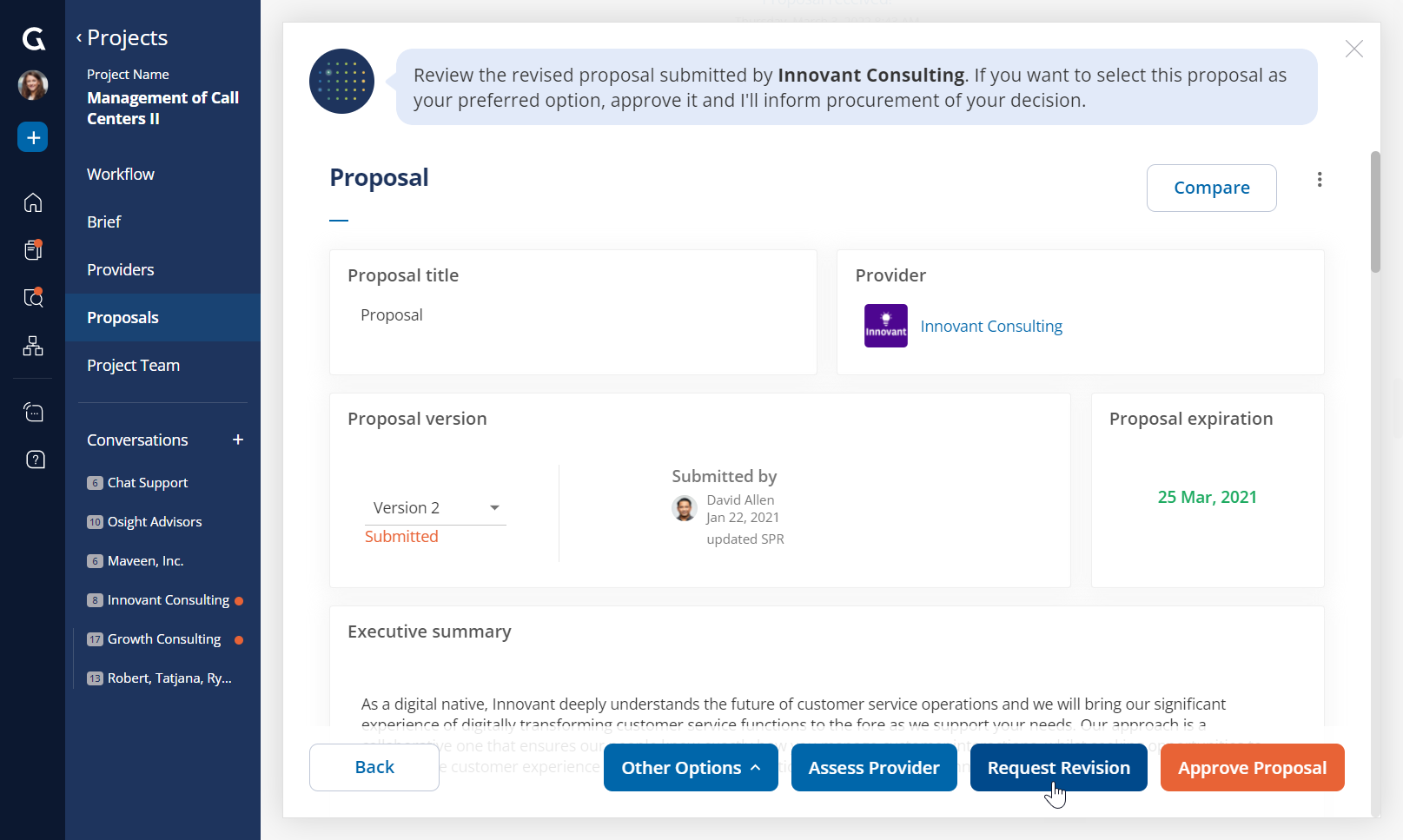
3. You will be prompted to enter a note to the provider explaining the changes you would like them to make.
4. This specific provider will be notified of your request and will need to submit a new version of their proposal.
Was this article helpful?
That’s Great!
Thank you for your feedback
Sorry! We couldn't be helpful
Thank you for your feedback
Feedback sent
We appreciate your effort and will try to fix the article