1. You will receive an invitation email from the client to participate in the e-negotiation event. The email includes details such as the start date and time, the number of rounds, and the total duration of the event.
2. A banner on your project proposals page will indicate that the e-negotiation event has been scheduled and display a countdown to the start date and time.
3. 15 minutes before the event begins, you’ll receive a reminder email to ensure you’re prepared.
4. Click on “View Proposal” to access the proposal that has been requested for e-negotiation.
5. Click "Revise" to submit a new version of your proposal with updated pricing.
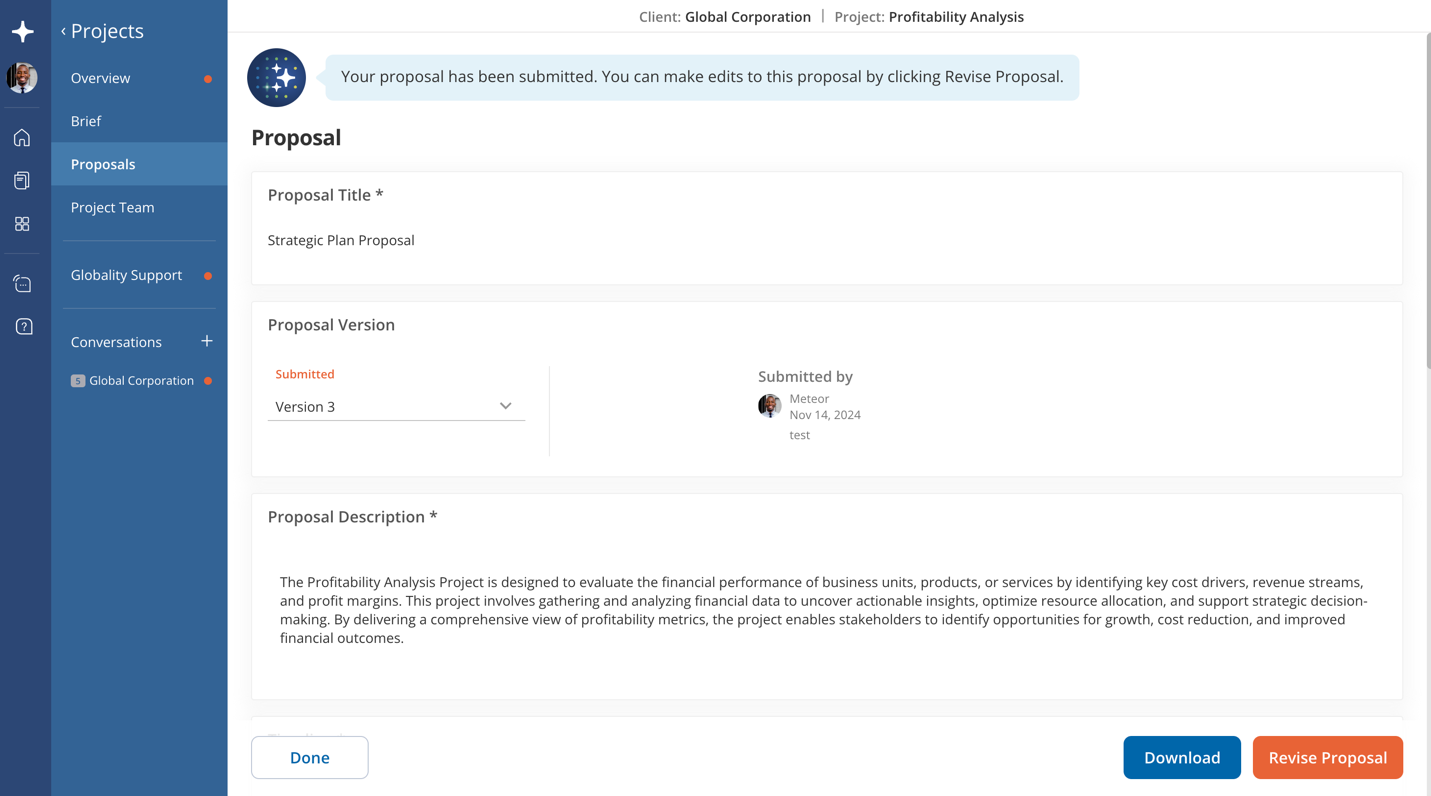
6. At the start of each round, you’ll receive an email with insights on how your proposal’s price compares to others. Use this information to adjust your proposal as necessary.
Was this article helpful?
That’s Great!
Thank you for your feedback
Sorry! We couldn't be helpful
Thank you for your feedback
Feedback sent
We appreciate your effort and will try to fix the article