Yes. In order to waive a Non-Disclosure Agreement (NDA) after a provider has been invited, follow these steps:
1. Navigate to the Providers tab and click on the provider you wish to update the NDA for.
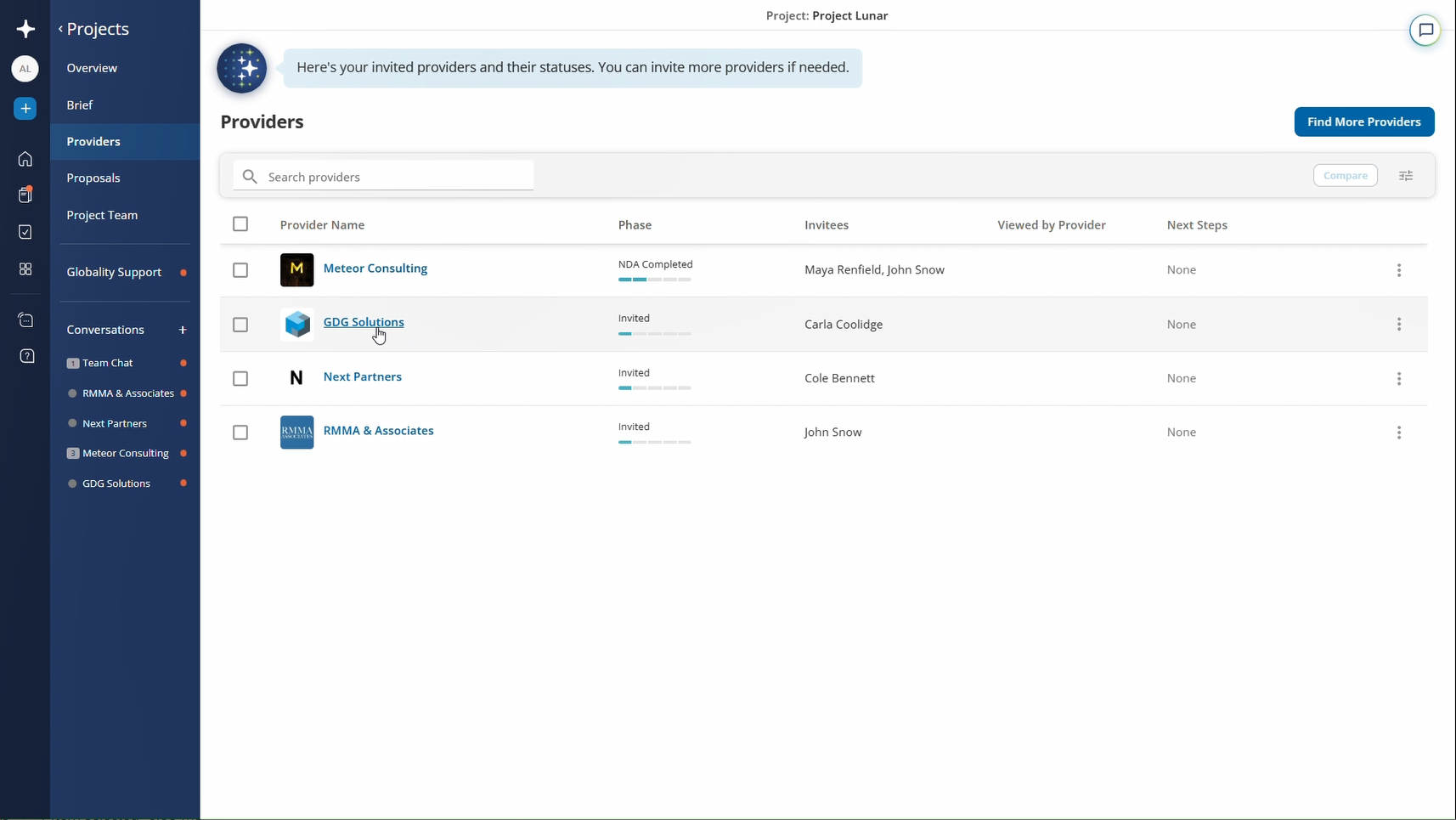
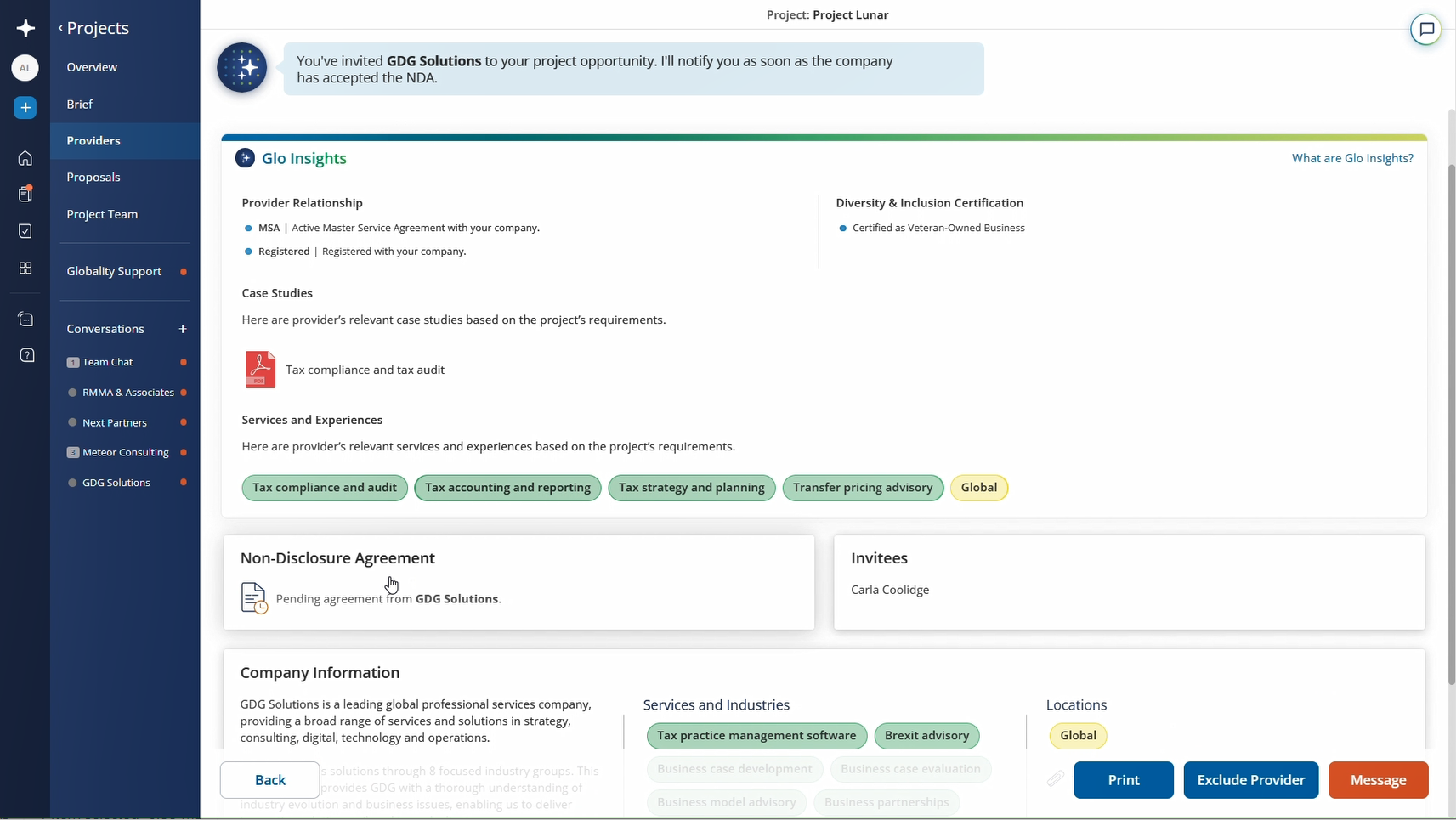
2. Click on the tile called "Non-Disclosure agreement" and select "Replace".
3. Click on "NDA is not required" and "Save".
This will immediately release the brief information to the provider, so only do this when you're sure that you want to share the information.
Was this article helpful?
That’s Great!
Thank you for your feedback
Sorry! We couldn't be helpful
Thank you for your feedback
Feedback sent
We appreciate your effort and will try to fix the article