If the client has requested a revised proposal or if you need to update your submitted proposal, you can create a revised version of your submitted proposal
How to revise a proposal
Go to your project
Go to your proposal
Open the proposal you need to revise
Click on the "Revise Proposal" button on the bottom right
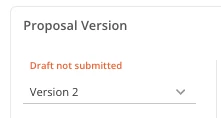
You’ll notice the new version number on the top left of your proposal
If you want to see the previous proposal versions, you can switch between the proposal versions
Make your changes to the proposal
Once you are done, click on the "Submit Proposal" button on the bottom right

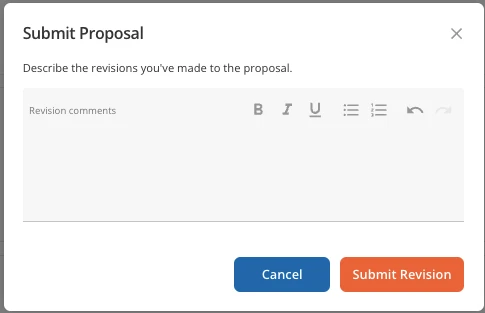
A popup will appear asking you "Describe the revisions you've made to the proposal". Please enter your response and then click on "Submit Revision"
Was this article helpful?
That’s Great!
Thank you for your feedback
Sorry! We couldn't be helpful
Thank you for your feedback
Feedback sent
We appreciate your effort and will try to fix the article